How to Spot a Phishing Scam
Phishing scams occur when cybercriminals attempt to trick you into revealing sensitive information such as passwords, usernames, bank account information, or credit card numbers. These phishing scams typically come in the form of seemingly legitimate emails. In fact, according to IT company AGG, about 3.4 billion spam emails are sent daily, making it the most common form of cybercrime. Often, these emails contain malicious links designed to compromise your security. In this blog, we’ll share essential tips on how to spot a phishing scam so you can avoid falling victim to these scammers.
Key Points
- Scammers rely on emotional triggers like urgency, fear, curiosity, and greed to get you to act quickly.
- Suspicious emails often contain subtle red flags, including odd sender addresses, poor grammar, or unexpected requests.
- Knowing what to look for can help you avoid malicious links, fake login pages, and harmful attachments.
Appealing to Emotion
Greed: A phishing scam may tempt you with a monetary reward in return for clicking on a link or providing your personal information. If the offer seems too good to be true, it probably is.
Curiosity: Phishing emails prey on your natural curiosity by promising to show you something exciting in exchange for clicking on a link, or sharing your personal information. This is often referred to as click-bait, and is very common on social media platforms.
Urgency: A phishing scam may also try to place a sense of urgency on you to complete a certain action. This is a major red flag.
Fear: Phishing scams will often times use threats as a way to get you to act. Don’t fall for this.

Strange Email Elements
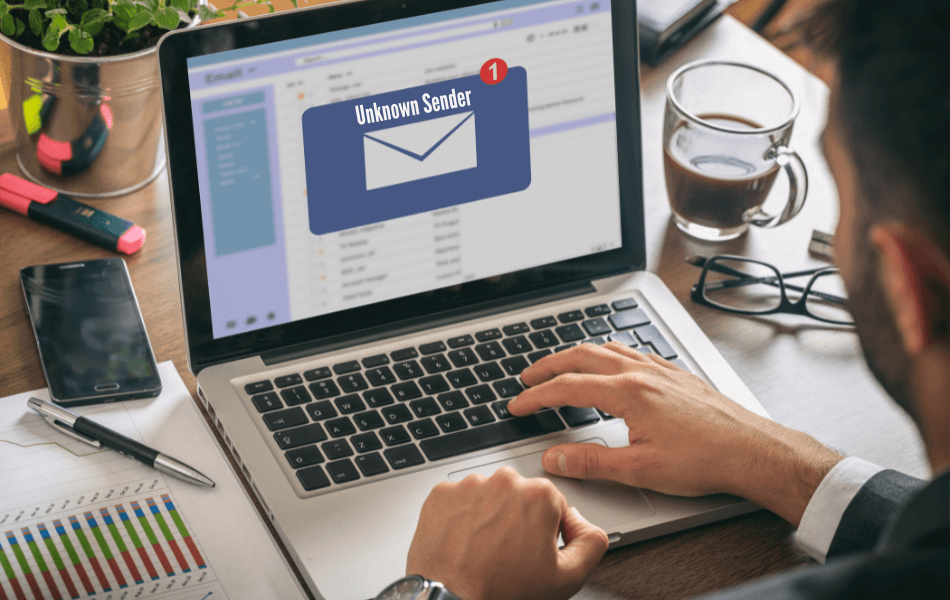
Odd Sender Address: If the sender’s email address does not match the sender’s name in his or her signature, or if the sender’s email address includes many random letters and symbols, approach with caution.
Strange Tone: If the email content does not read well, and contains multiple misspellings and grammatical errors, do not click any links, open any attachments, or provide the sender with any personal information.
Unexpected Attachments & Requests for Action
Login Pages: Be cautious of any email that asks you to click on a link and log in to one of your accounts. Clicking the link and entering your credentials could give scammers access to your account.
Links: Be careful of links in emails. Malicious links could infect your computer or mobile device. Before you click a link, place your cursor over it to inspect it. If you are unsure if it is valid, it’s better to play it safe and avoid clicking it.

Don’t let yourself become a victim of these scams. Safeguard your sensitive information with these 7 Ways to Protect Your Identity.
FAQs
What should I do if I accidentally click a phishing link?
If you click a suspicious link, close the page immediately, do not enter any information, and run a security scan on your device. If you entered login details, change your passwords right away and notify the affected company or financial institution.
Can phishing emails use real company logos and branding?
Yes. Scammers frequently copy logos, colors, and layouts from real companies to make their messages appear legitimate. This is why it’s important to verify the sender and links—not just the appearance of the email.
Can antivirus software stop phishing scams?
Antivirus and email filters can help reduce risk, but they aren’t foolproof. Staying informed and cautious is still your best defense.
Why do scammers use urgency and fear so often?
Creating panic or pressure can cause people to act quickly without thinking. Scammers rely on emotional reactions to bypass rational decision-making.
Should I report phishing emails, even if I didn’t click anything?
Yes. Reporting phishing emails helps companies and email providers block future scams and protect others. Many organizations have a dedicated phishing report email address.